


Explore the best deals on Marks & Spencer | Limited Period Offer

Explore the best deals on Marks & Spencer | Limited Period Offer
Clicked a Suspicious Link? 5 Ways to Check If You’re Still Safe Online

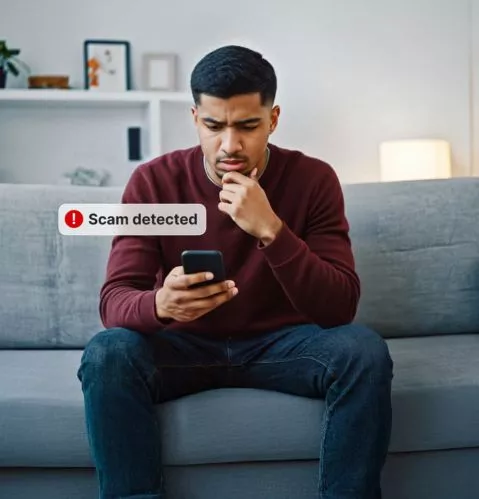
Clicked a suspicious link? Don’t panic. A few quick checks can help you understand what happened, secure your accounts, and strengthen your protection against future online threats.

clicked suspicious link | Savewithnerds

What to Check After Clicking a Suspicious Link

Look for Unexpected Changes

Check whether the page downloaded anything, requested unusual permissions, or asked for passwords, payment details, or other sensitive information. These signs can indicate potential risk.

Check Your Device

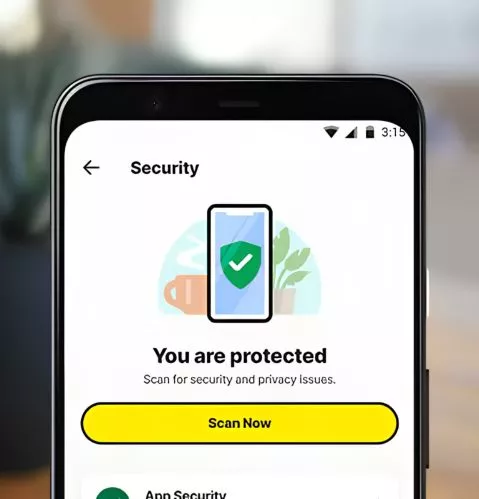
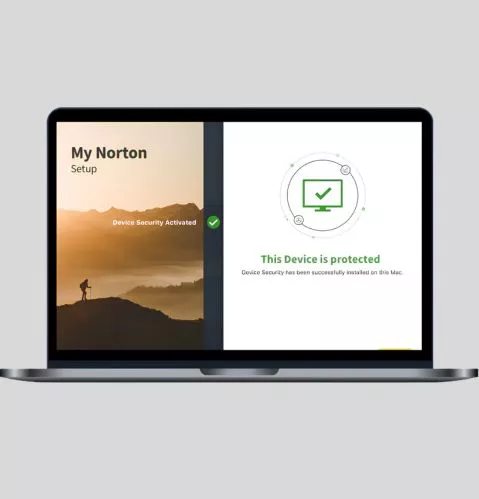
Look for unfamiliar applications, browser extensions, downloads, pop-ups, or unusual device behaviour following the click. Running reliable device security can help detect malware and other threats.

Review Your Accounts

If you entered credentials on the suspicious page, change the affected password immediately. Use unique passwords for important accounts and enable two-factor authentication wherever available.

Check Where the Link Led

A suspicious link can redirect you to phishing pages designed to imitate legitimate websites. Carefully review the destination and avoid entering further information if anything appears unusual.

5 Quick Ways to Check If You’re Still Safe

Scan Your Device

Run a security scan to identify malware or suspicious activity that may have followed the click.

Check Website Safety

Use Norton Safe Web to help identify dangerous websites, phishing attempts, and malicious links while browsing.

Ask Norton Genie

Use Norton Genie’s AI-powered scam detection to analyse suspicious messages, links, or offers when you’re unsure.

Secure Your Passwords

Replace exposed passwords with strong, unique credentials and store them securely using Norton Password Manager.

Monitor Exposed Information

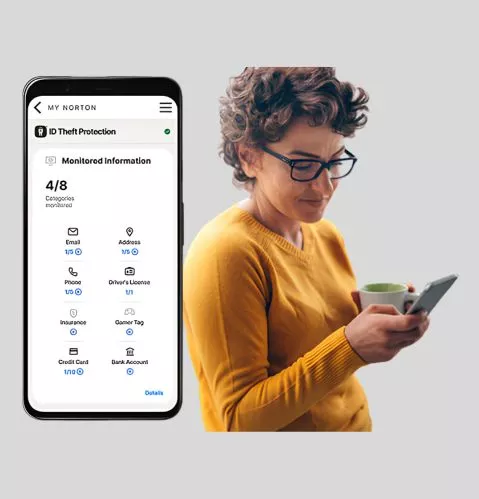
Use Dark Web Monitoring to receive notifications if monitored personal information is discovered on the dark web.

Five Norton Features That Can Help After a Suspicious Click

Device Security

Device Security

Antivirus

Norton Safe Web

Safe Web

Scam Protection

Norton Genie

Norton Genie

Scam Assistant

Password Manager

Password Manager

 Account Security

Dark Web Monitoring

Dark Web Monitoring

Identity Protection