
Explore the best deals on Marks & Spencer | Limited Period Offer

Explore the best deals on Marks & Spencer | Limited Period Offer
From Beginner to Pro: Explore Top Video Editing Courses

Video editing courses on Coursera teach essential skills in cutting, color grading, effects, and storytelling using industry tools—perfect for beginners and aspiring creators.

Why Choose Coursera for Video Editing Courses

Learn from Industry Experts

Coursera partners with top creators and instructors who bring real-world experience from the film, media, and digital design industries.


Hands-On, Practical Learning

Courses include real editing projects using tools like Adobe Premiere Pro, DaVinci Resolve, and Canva—helping you build skills you can apply immediately.

Flexible and Self-Paced

Study anytime, anywhere, and learn at your own speed, making Coursera ideal for beginners and working professionals alike.

Career-Ready Certificates

Earn globally recognized certificates that showcase your skills and help you stand out in the creative and freelance job markets.

Start Your Freelance Video Editing Career Specialization

A complete guide for beginners and aspiring freelancers to learn video editing, develop a unique style, and build a successful editing business.

  1. DaVinci Resolve Specialization

Perfect for aspiring editors, this hands-on program teaches professional video editing, color correction, and effects using DaVinci Resolve.

  1. Adobe Premiere Pro for Beginners Specialization

A beginner-friendly course to help you master video editing using Adobe Premiere Pro and produce polished videos ready for any platform.


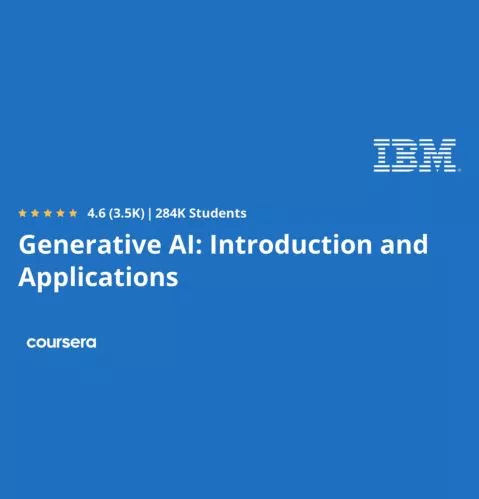
Generative AI: Introduction and Applications

An introductory course exploring the power of generative AI across industries, including how it’s reshaping video, design, and digital content creation.

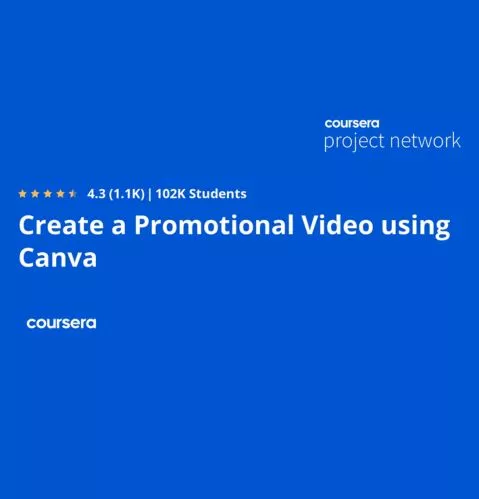
Create a Promotional Video using Canva

A quick, practical course that teaches you how to design professional marketing videos using Canva—no prior experience needed.


In-Depth Look at Coursera’s Video Editing Programs

1. Start Your Freelance Video Editing Career Specialization

Rating:
3.9/5

Duration: 4 weeks- 10hours/week

Price: Free to enroll

2. DaVinci Resolve Specialization

Rating:
4.3/5

Duration: 4 weeks- 10hours/week

Price: Free to enroll

3. Adobe Premiere Pro for Beginners Specialization

Rating:
5/5

Duration: 4 weeks- 10hours/week

Price: Free to enroll

4. Generative AI: Introduction and Applications

Rating:
4.6/5

Duration: 8hours

Price: Free to enroll

5. Create a Promotional Video using Canva

 
Rating:
4.3/5

Duration: 1.5hours

Price: Free to enroll

en_USEnglish